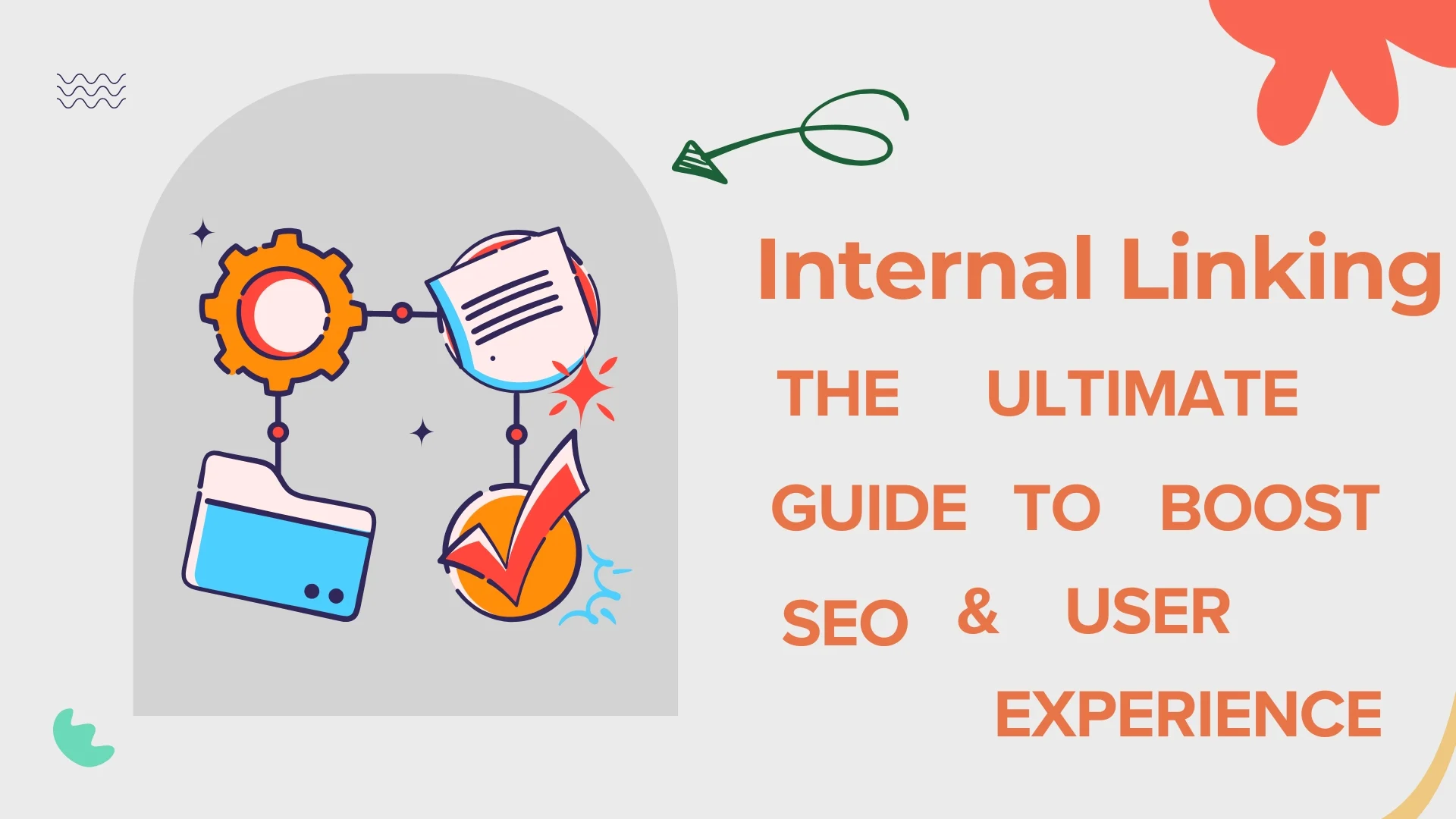

Internal linking is one of the most powerful yet underrated SEO strategies. It helps search engines understand your website structure while guiding users to relevant content, improving both rankings and engagement.
Table of Contents
What is Internal Linking?
Internal linking refers to the practice of linking one page of your website to another page within the same domain. These links create a structured pathway that connects all your content.
For example, when you link a blog about “SEO Basics” to another article on “Keyword Research,” you’re helping both users and search engines discover related content easily, improving navigation and content relevance.
Why Internal Linking is Important
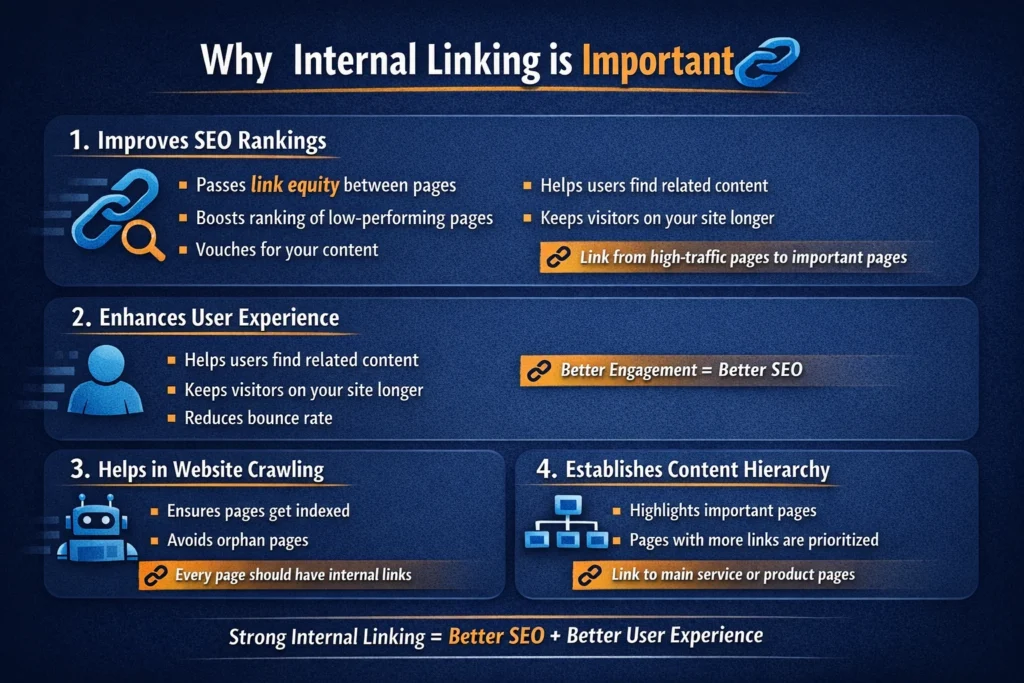
1. Improves SEO Rankings
Search engines like Google use internal links to discover and rank pages. When you link one page to another, you pass authority (also called link equity), which helps improve rankings.
If a high-performing page links to another page, it signals to search engines that the linked page is also valuable. This boosts its chances of ranking higher. Think of it as “vouching” for your own content.
2. Enhances User Experience
Internal links help users find relevant information quickly without needing to search again.
When readers find useful links within your content, they are more likely to stay longer on your site, explore multiple pages, and engage more deeply. This reduces bounce rate and increases session duration both positive SEO signals.
3. Helps in Website Crawling
Search engine bots crawl your website through links to find and index pages.
If a page has no internal links (called an orphan page), it may never get indexed. A strong internal linking structure ensures that every important page is discoverable and accessible to search engines.
4. Establishes Content Hierarchy
Internal linking helps define the importance of pages within your website.
Pages that receive more internal links are seen as more important. For example, your main service page should have multiple links pointing to it, signaling to search engines that it’s a priority page.
Types of Internal Links
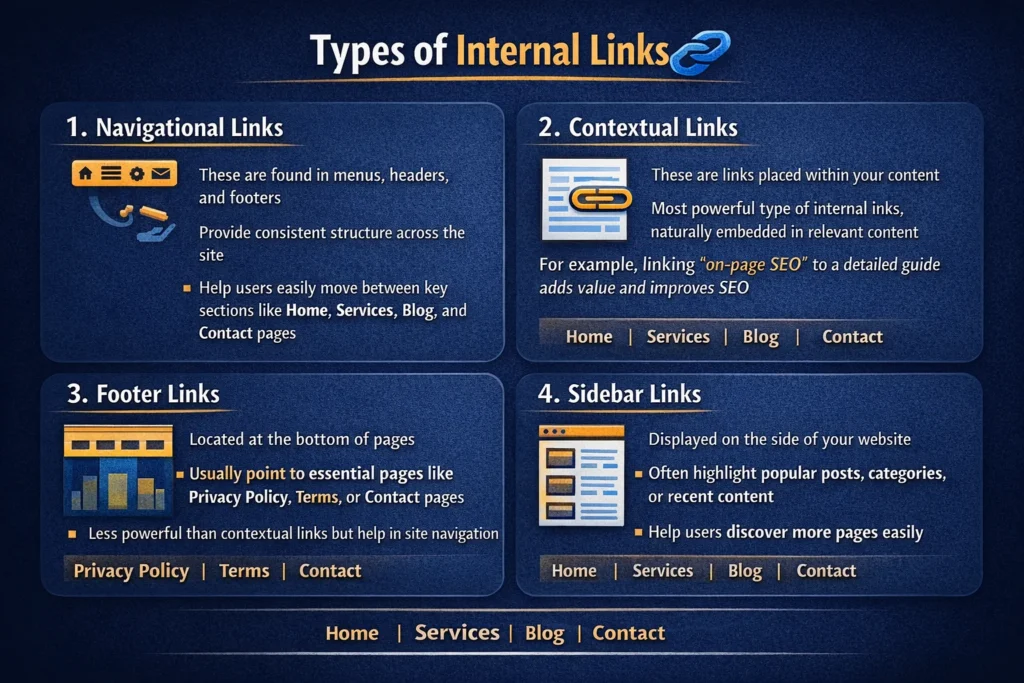
1. Navigational Links
These are found in menus, headers, and footers.
They provide a consistent structure across your site, helping users easily move between key sections like Home, Services, Blog, and Contact pages.
2. Contextual Links
These are links placed within your content.
They are the most powerful type of internal links because they are naturally embedded in relevant content. For example, linking “on-page SEO” to a detailed guide adds value and improves SEO.
3. Footer Links
Located at the bottom of pages.
These links usually point to essential pages like Privacy Policy, Terms, or Contact pages. While not as powerful as contextual links, they still help in site navigation.
4. Sidebar Links
Displayed on the side of your website.
They are often used to highlight popular posts, categories, or recent content, helping users discover more pages easily.
Best Practices for Internal Linking
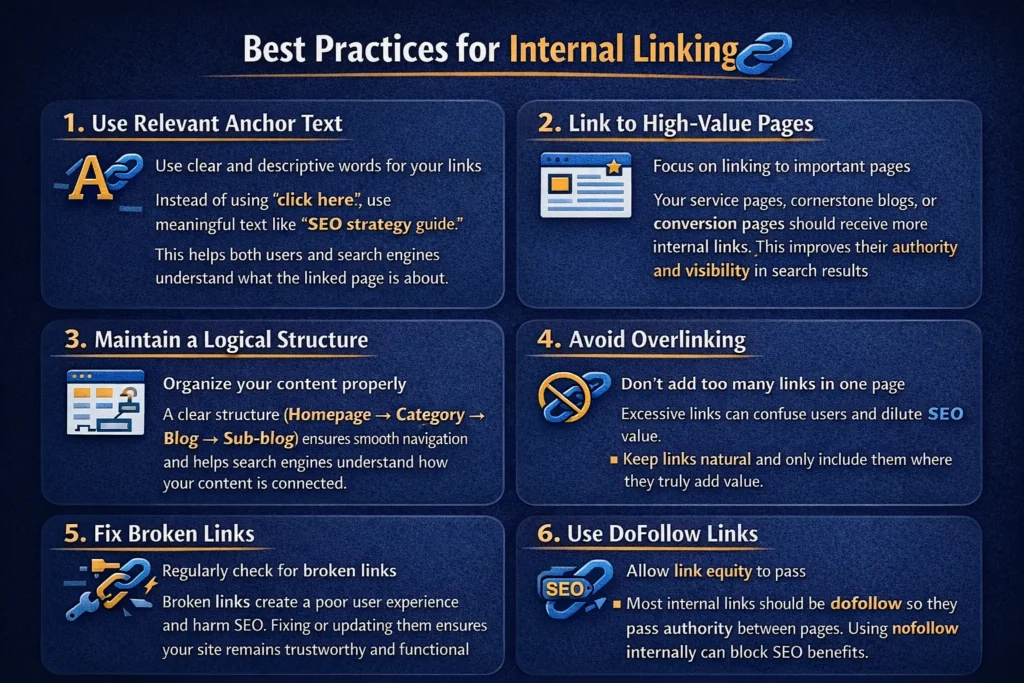
1. Use Relevant Anchor Text
Use clear and descriptive words for your links.
Instead of using “click here,” use meaningful text like “SEO strategy guide.” This helps both users and search engines understand what the linked page is about.
2. Link to High-Value Pages
Focus on linking to important pages.
Your service pages, cornerstone blogs, or conversion pages should receive more internal links. This improves their authority and visibility in search results.
3. Maintain a Logical Structure
Organize your content properly.
A clear structure (Homepage → Category → Blog → Sub-blog) ensures smooth navigation and helps search engines understand how your content is connected.
4. Avoid Overlinking
Don’t add too many links in one page.
Excessive links can confuse users and dilute SEO value. Keep links natural and only include them where they truly add value.
5. Fix Broken Links
Regularly check for broken links.
Broken links create a poor user experience and harm SEO. Fixing or updating them ensures your site remains trustworthy and functional.
6. Use DoFollow Links
Allow link equity to pass.
Most internal links should be dofollow so they pass authority between pages. Using nofollow internally can block SEO benefits.
Internal Linking Strategy
To build an effective strategy:
- Identify your pillar content
- Create cluster content around it
- Link cluster pages back to the pillar page
- Use consistent anchor text
This structure (also known as the topic cluster model) helps establish authority on a subject. It signals to search engines that your website covers a topic in depth, improving rankings.
Common Mistakes to Avoid
Avoid these common mistakes for better ranking:
- Using irrelevant anchor text
- Linking to unrelated pages
- Ignoring orphan pages
- Overusing exact match keywords
- Not updating old content
These mistakes can confuse search engines and reduce the effectiveness of your internal linking strategy. Keeping links relevant and updated ensures long-term SEO success.
Tools to Improve Internal Linking
- Google Search Console
- Screaming Frog SEO Spider
- Ahrefs
These tools help you analyze your website, find broken links, identify orphan pages, and discover new internal linking opportunities.
Conclusion
Internal linking is not just about connecting pages it’s about building a strong foundation for your website. It improves SEO, enhances user experience, and ensures your content gets the visibility it deserves.
By applying the right strategies and best practices, you can turn your website into a well-structured, high-performing digital asset.